
AI Chatbot for Your Business Website: What to Build Before You Add One
How to plan a useful AI chatbot that answers real customer questions, qualifies leads, and supports your team without hurting trust.
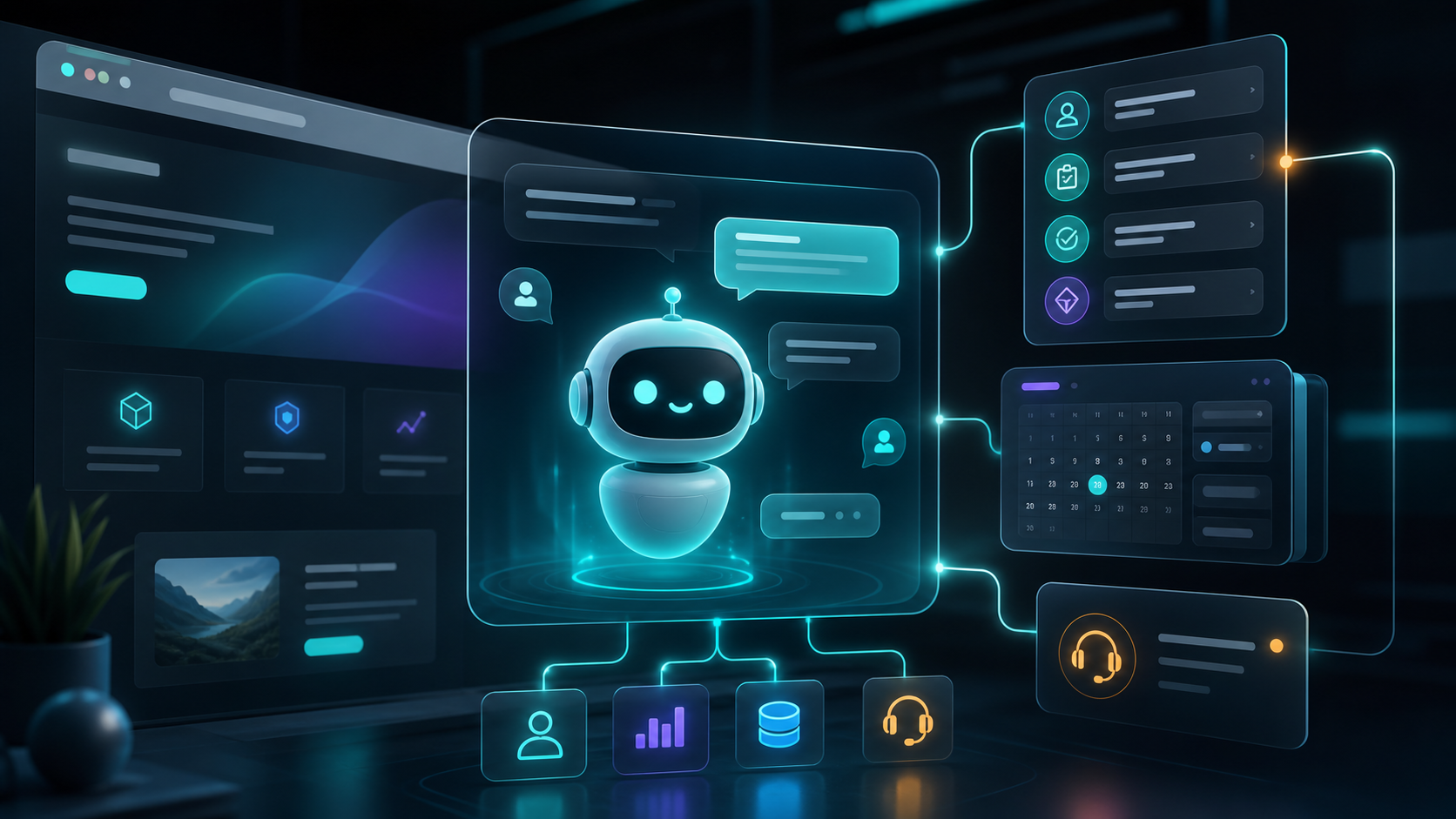
An AI chatbot can be a strong sales and support tool, but only when it is built around a clear purpose. Adding a chatbot because AI is popular usually creates a noisy widget. Adding one to solve a real customer problem can improve conversions and reduce support work.
The best website chatbots help visitors understand your offer, get answers quickly, and take the next action.
Decide the chatbot job
Before choosing tools, define what the chatbot should do. A chatbot for a SaaS website is different from one for an agency, clinic, ecommerce store, or education platform.
Useful chatbot jobs include:
- Answering service questions.
- Recommending the right package.
- Qualifying leads.
- Collecting project details.
- Explaining pricing ranges.
- Booking consultations.
- Helping users troubleshoot common issues.
One focused chatbot is better than a general bot that tries to do everything.
Prepare the knowledge base
AI answers are only as good as the information behind them. Before building the chatbot, collect and clean the content it should use.
Good sources include:
- Service pages.
- FAQs.
- Pricing rules.
- Product documentation.
- Case studies.
- Policies.
- Onboarding instructions.
Avoid feeding it messy, outdated, or private information. The bot should have a controlled knowledge base and clear limits.
Keep conversion in mind
A website chatbot should help the visitor move forward. For a tech agency, that might mean collecting details like project type, budget range, timeline, must-have features, and contact information.
For example, a useful agency chatbot might ask:
- Are you building a SaaS, MVP, AI automation, website, or custom app?
- Do you already have designs?
- What is your expected launch timeline?
- What is your approximate budget range?
- Who should we contact?
This creates a warmer lead for the sales team and a better experience for the visitor.
Add human handoff
AI should not trap users. If the visitor asks something sensitive, complex, or urgent, the chatbot should offer a human handoff.
Good handoff options include:
- Contact form.
- WhatsApp link.
- Email.
- Calendar booking.
- Support ticket.
The chatbot can summarize the conversation so the human does not ask the same questions again.
Design safe response rules
Your chatbot represents your brand. It should not invent pricing, promise impossible timelines, or give risky advice.
Set rules for:
- What it can answer.
- What it must refuse.
- When it should ask clarifying questions.
- When it should send the user to a human.
- How it should talk about pricing and guarantees.
This is especially important for businesses in finance, healthcare, legal, education, and enterprise services.
Measure performance
Do not judge the chatbot only by how many messages it sends. Measure whether it helps the business.
Useful metrics include:
- Qualified leads captured.
- Booked calls.
- Questions answered without support.
- Handoff rate.
- Visitor satisfaction.
- Repeated unanswered questions.
These metrics show what content to improve and where the bot needs better training.
Build the chatbot as part of your system
A chatbot becomes more valuable when it connects to your website, CRM, email, calendar, support tools, and analytics. That is where full stack development matters.
The right build can turn chatbot conversations into structured leads, internal notifications, follow-up emails, and dashboard insights.
AI chatbots work best when they feel helpful, honest, and connected to the business process behind the website.